

- Specify an artifact version to use.
- Always select the latest version.
Creating a schedule
Base URL:POST /v1/projects/{projectId}/schedules
You need to obtain the projectId using the following GET call: /v1/projects.
Read Public API for comprehensive reference material about each endpoint.
Default artifact selection
- If no
versionNameis provided, the schedule will always use the latest deployed or promoted artifact in the specified environment. - The latest artifact is determined based on the most recent deployment or promotion, not by version name.
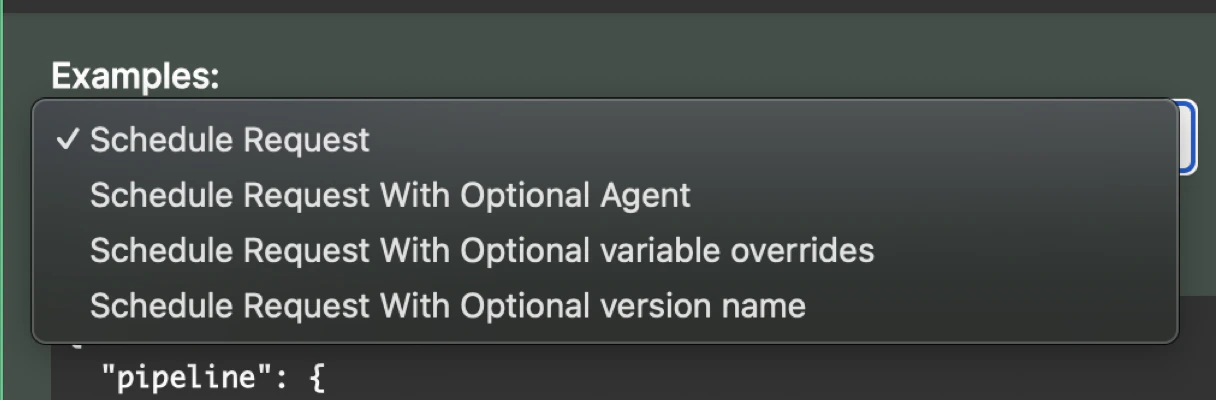
Fixed artifact version
If a specificversionName is provided, the schedule will always trigger pipelines within that specific artifact version.
Variable overrides
- Variable overrides allow you to dynamically adjust execution parameters when creating a schedule. This means that instead of relying solely on default or preset values within the artifact, you can define specific values at runtime, ensuring flexibility in different environments or scenarios.
- When creating a schedule, you can pass variable overrides as part of the request body. These overrides will temporarily replace the values defined within the artifact for that particular execution.
Example request - schedule with variable overrides
Create a schedule with a version name
Request
Response
Get schedule details using a schedule id
Request
Response
Preventing concurrent schedule executions
You can use the settingallowConcurrentExecutions enable concurrent executions. Manual use of this setting is optional and defaults to true if a value is not manually supplied.
- If
allowConcurrentExecutions = true: the schedule runs as normal, even if a previous execution is still running. - If
allowConcurrentExecutions = false:- If a previous execution is still running when the schedule is triggered again, the new execution is prevented.
- Once the previous execution finishes, the next scheduled run will proceed as normal.
allowConcurrentExecutions: